ISSS608 Visual Analytics & Applications Coursework
by Wilson Tan
  • Hands-on Exercises
    • Week 1: Hands-on Exercise
    • Week 2: Hands-on Exercise
    • Week 3: Hands-on Exercise
    • Week 4: Hands-on Exercise
  • In-class Exercises
    • Week 1: In-class Exercise
    • Week 2: In-class Exercise
    • Week 3: In-class Exercise
    • Week 4: In-class Exercise
    • Week 5: In-class Exercise
    • Week 6: In-class Exercise
    • Week 7: In-class Exercise
  • Take-home Exercises
    • Take-home Exercise 01
    • Take-home Exercise 02
    • Take-home Exercise 03

Week 7: In-class Exercise

More Tableau dashboarding - Time series data

Line graph. Slopegraph Heatmap

pacman::p_load(ggHoriPlot, ggthemes, tidyverse)
averp <- read_csv("data/data_07/AVERP.csv") %>%
  mutate(`Date` = day(`Date`))
Rows: 7452 Columns: 3
── Column specification ────────────────────────────────────────────────────────
Delimiter: ","
chr (2): Date, Consumer Items
dbl (1): Values

ℹ Use `spec()` to retrieve the full column specification for this data.
ℹ Specify the column types or set `show_col_types = FALSE` to quiet this message.
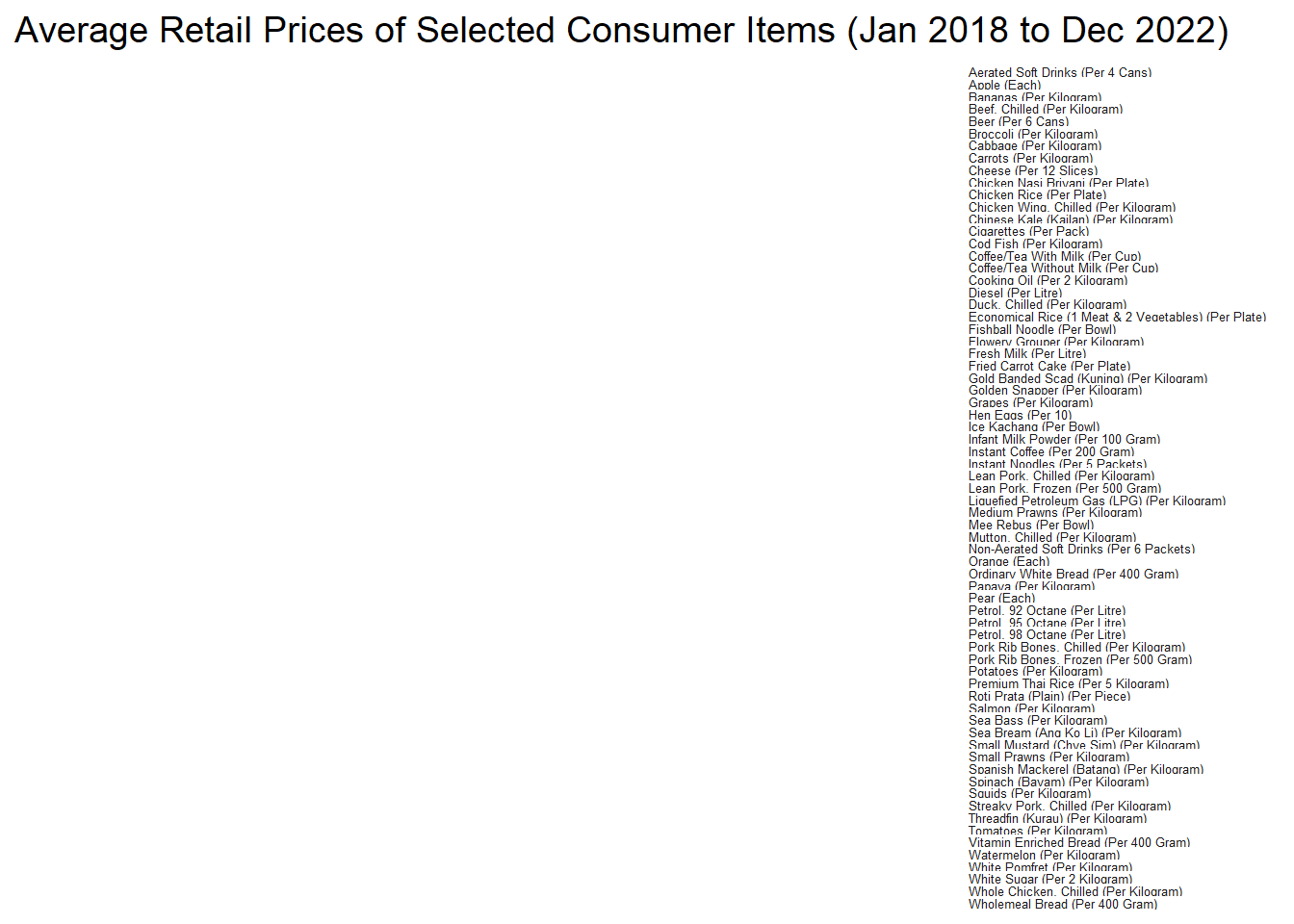
averp %>% 
  filter(Date >= "2018-01-01") %>%
  ggplot() +
  geom_horizon(aes(x = Date, y=Values), 
               origin = "midpoint", 
               horizonscale = 6) +
  facet_grid(averp$`Consumer Items` ~ .) +
    theme_few() +
  scale_fill_hcl(palette = 'RdBu') +
  theme(panel.spacing.y=unit(0, "lines"), strip.text.y = element_text(
    size = 5, angle = 0, hjust = 0),
    legend.position = 'none',
    axis.text.y = element_blank(),
    axis.text.x = element_text(size=7),
    axis.title.y = element_blank(),
    axis.title.x = element_blank(),
    axis.ticks.y = element_blank(),
    panel.border = element_blank()
    ) +
    scale_x_date(expand=c(0,0), date_breaks = "3 month", date_labels = "%b%y") +
  ggtitle('Average Retail Prices of Selected Consumer Items (Jan 2018 to Dec 2022)')